XB2 Pushbuttons & Selector Switches
22 mm panel controls with metal or black bezels. Compare momentary buttons, illuminated operators, selector and key switches, mushroom heads and double-head controls.
Every command starts with
the right operator.
Explore 22 mm panel controls, enclosed command stations and empty control boxes. Select by operating action, contact arrangement and installation format—not colour alone.
Find your control ↓
Search a family or exact model. Each series groups colours and operator options into one selection page.
5 product families

22 mm panel controls with metal or black bezels. Compare momentary buttons, illuminated operators, selector and key switches, mushroom heads and double-head controls.

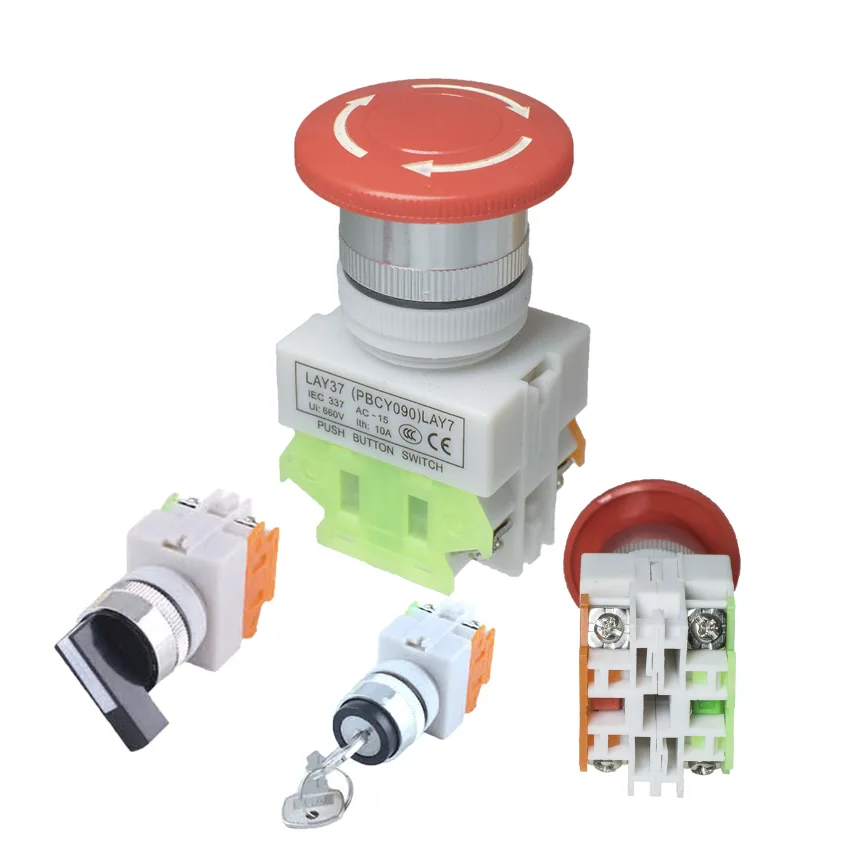
Flush and raised buttons, illuminated heads, mushroom operators and two selector styles share a 22 mm panel format with 1NO + 1NC contact configurations.

22 mm modular panel controls with momentary and maintained buttons, mushroom heads, illuminated double heads, selectors and key-operated switches.

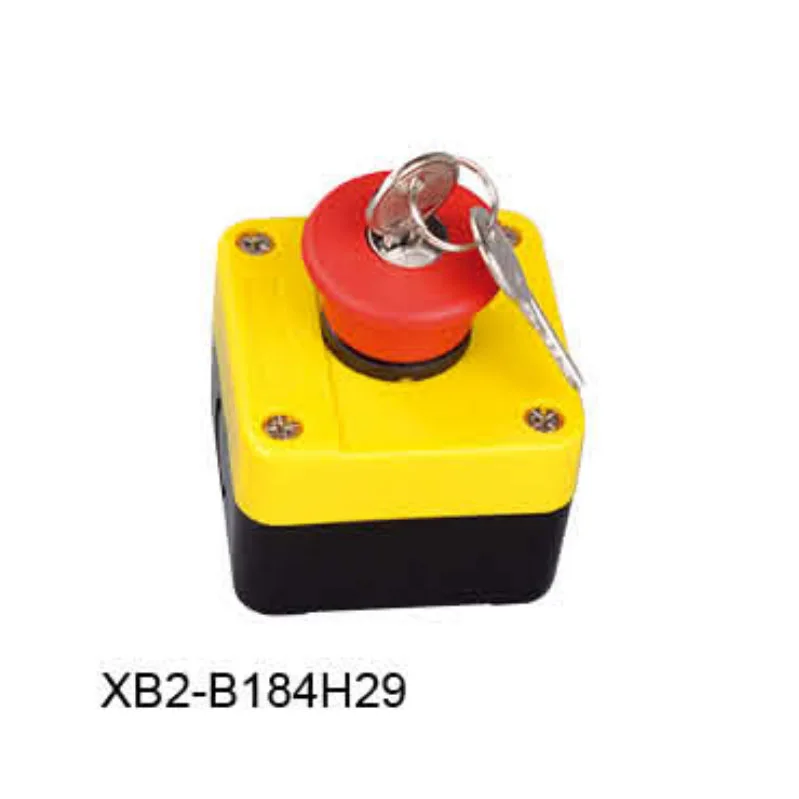
Assembled one- to four-operator stations for local start/stop, directional selection and keyed control. Compare operator arrangement, contacts and action before choosing a station.

One- to four-hole control-station enclosures for assembling a selected operator layout. Compare hole count, lid presentation and enclosure drawings before fitting controls.
No matching family. Clear the format filter or try a shorter model code.
| Format | Choose it for | Key selection fields |
|---|---|---|
| XB2 panel operators | Metal or black-bezel buttons, selectors and double heads | Bezel, action, contact combination, lamp voltage and rear depth |
| LA37 panel operators | Flush, raised, mushroom and two handle profiles | Momentary / maintained action, head style and 1NO + 1NC contacts |
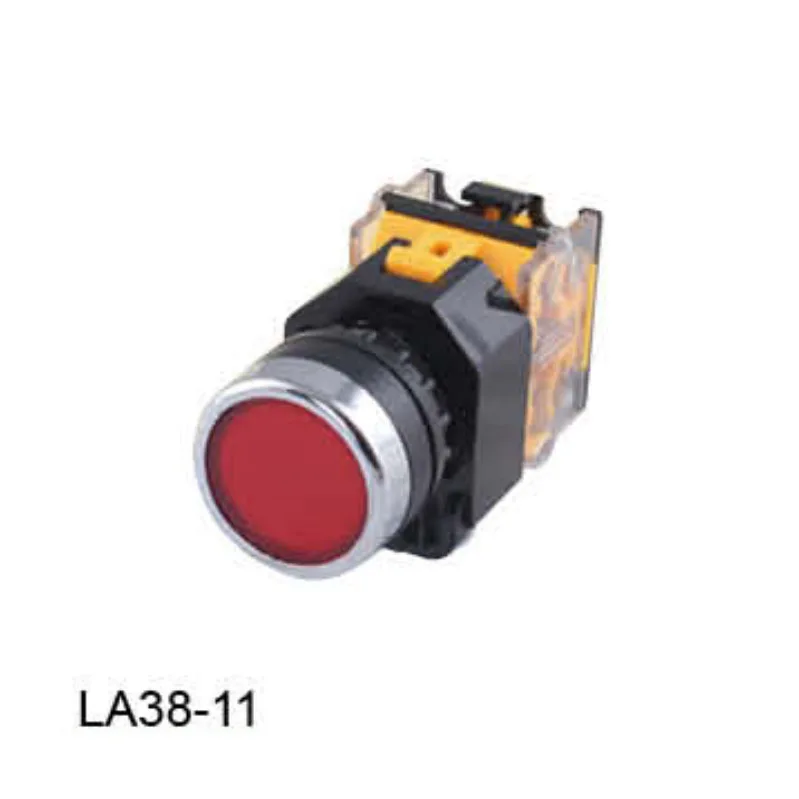
| LA38 panel operators | Modular controls and illuminated double heads | Head construction, contact-module space and lamp supply |
| Enclosed control stations | A complete local command point | Operator sequence, legends, contact functions and release action |
| Empty control enclosures | A customised one- to four-position assembly | Hole count, lid presentation, fixing dimensions and internal clearance |
Choose momentary, maintained, selector or key operation. A mushroom shape alone does not tell you whether the control latches.
Select NO/NC contacts and the actual control duty. For an illuminated operator, specify the lamp supply separately from contact switching.
Check mounting format, panel thickness, rear assembly depth and wiring space. For a station, include the number and sequence of operators.
A pushbutton is pressed to change a contact state. A selector is rotated to choose a position or operating mode. Either selection still requires the correct contact function and return or maintained action.
A momentary operator returns when released. A maintained operator retains its selected state until it is reset. This is independent of whether the contacts are normally open or normally closed.
NO means normally open and NC means normally closed. The normal state is the unactuated state. For example, 1NO + 1NC describes one of each contact type.
Choose panel operators when controls will be mounted through an existing machine panel. Choose a complete station for an enclosed local control point, or an empty enclosure when you need to assemble a specific layout.
Select contacts for the actual circuit voltage and load duty. These products are commonly used to command contactors, relays or controller inputs; a control operator should not be selected as a motor-power switch merely from its appearance or a current marking.
Specify the operator action, NO/NC contact arrangement, lamp colour, rated lamp voltage and supply type. A stated voltage-version range is not the operating range of a single universal lamp.
Send series and model, operator layout, contact combination, colours or legends, lamp supply and quantities.